01 / MEET THE NIC
That network port belongs to the server’s NIC
NIC means Network Interface Card or Network Interface Controller. People use both names. The important beginner idea is the same: a NIC provides the server’s interface to a network. It sends and receives network traffic and connects the server to a physical network link.
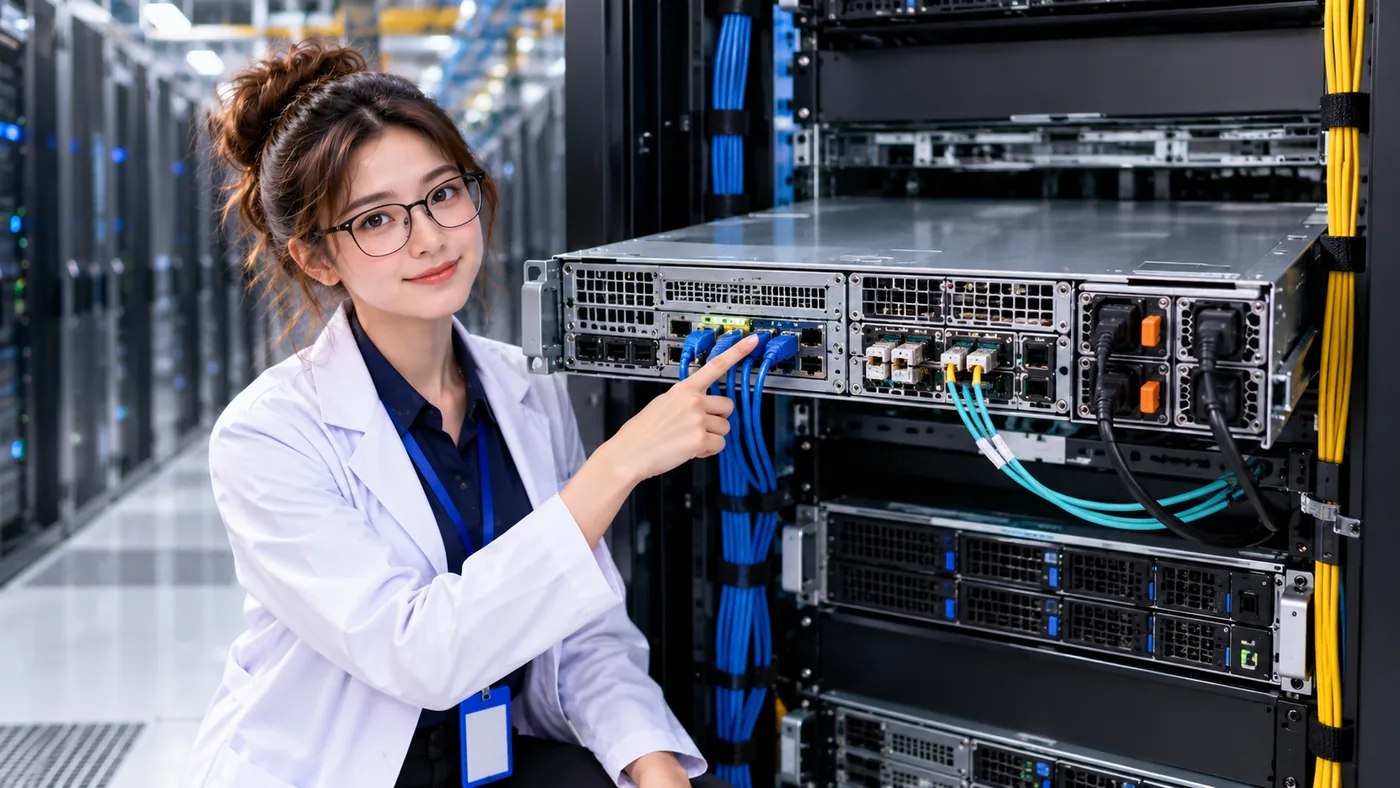
On a rack server, network ports are usually on the rear, either built into the system or provided by an installed network adapter. The exact location and connector vary. Servers can have more than one NIC or network port for separate networks, capacity, or alternate paths.
The server performs computing work with its CPU, memory, and storage; the NIC gives that machine network connectivity.
NETWORK IS NOT POWER
NIC vs. power supply: two different connections
At the back of a server, network ports and power-supply inlets may sit close together. They connect the same machine to two different systems.
NETWORK INTERFACE
NIC
- Carries network traffic
- Connects to network media or a compatible transceiver
- Links toward a switch port
- Provides network connectivity
ELECTRICAL SUPPLY
PSU
- Receives electrical power
- Supplies power to server components
- Connects toward electrical distribution
- Does not carry normal network traffic
FOLLOW ONE LINK
A NIC reaches the switch through a physical link
The NIC connects to one end of a link; the other end reaches a port on the network switch. This simple path helps identify where a connection starts and where it arrives.
- SERVERRuns an application or workload
- NICServer network interface
- PHYSICAL LINKCopper, fiber, or another supported medium
- SWITCH PORTNetwork interface at the other end
- NETWORK SWITCHConnects network links
Lesson 01: What Is a Network Switch?explains the device at the far end. Here we are looking at how the server physically gets to that switch.
A NETWORKING FAMILY
Ethernet is more than a cable
Ethernet is a family of networking technologies and standards. Ethernet commonly lets devices such as servers and switches exchange network frames over supported physical links. Those links can use different media and interfaces; “Ethernet cable” is a casual way people often refer to one kind of physical connection.
02 / CHOOSE THE MEDIUM
Copper and fiber carry signals differently
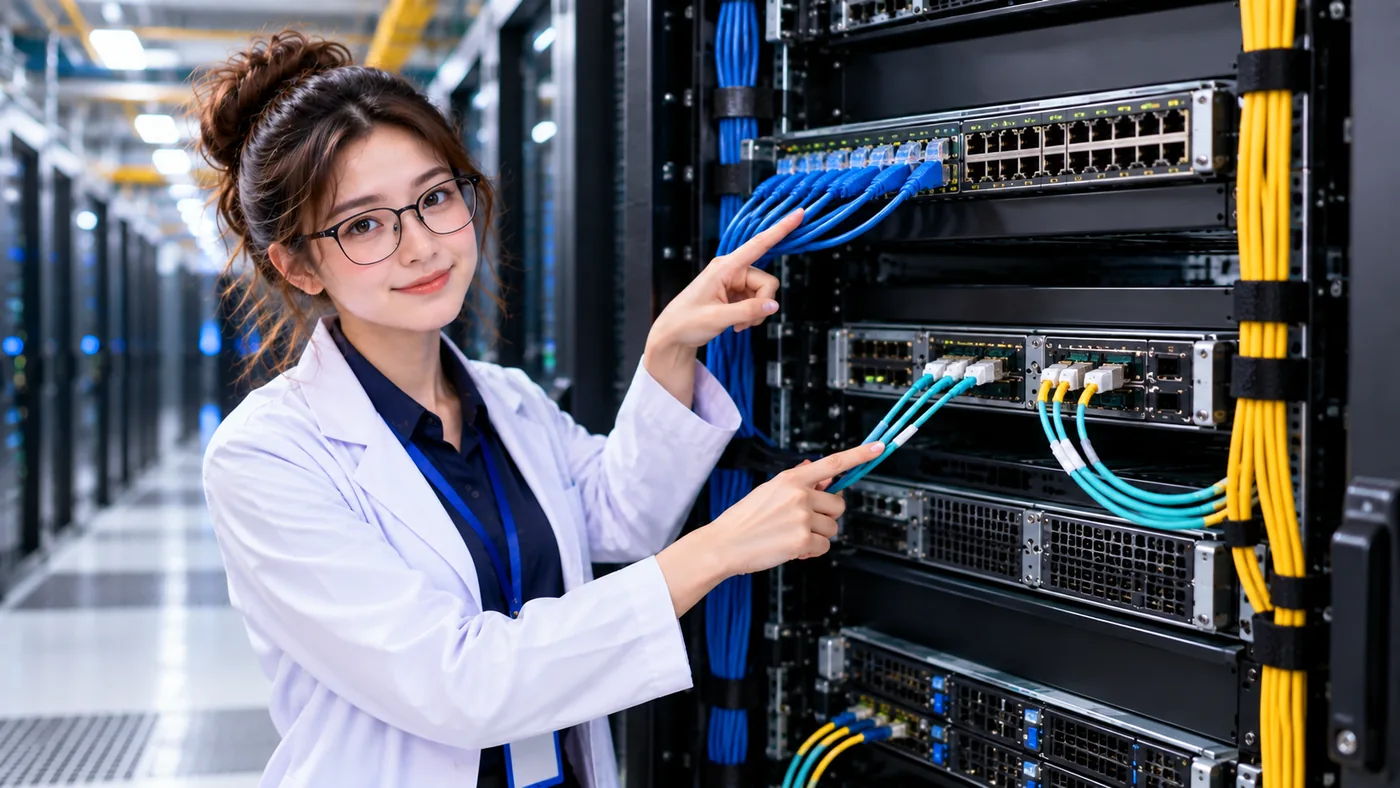
Copper cabling carries electrical signals. Fiber carries optical signals through strands of optical fiber. Both can connect network equipment when the NICs, switch interfaces, and link design support them.
Familiar RJ45 connectors are common on copper Ethernet links. Fiber links commonly use optical transceivers in compatible network equipment. Fiber can be useful for many high-bandwidth or longer-distance links; copper can be practical for suitable distances, speeds, and equipment. Neither medium is always the best choice.
A QUICK COMPARISON
Copper vs. fiber
ELECTRICAL SIGNAL
Copper
- Signal
- Electrical
- Medium
- Copper conductor
- Consider
- Distance, speed, equipment, and cost
OPTICAL SIGNAL
Fiber
- Signal
- Optical
- Medium
- Optical fiber
- Consider
- Distance, speed, optics, equipment, and cost
The link is a system: check that both ends, any transceivers, and the chosen medium are compatible. Link design depends on the facility’s requirements rather than a blanket rule that one medium is always better.
THE INTERFACE BETWEEN EQUIPMENT AND FIBER
What does an optical transceiver do?
A transceiver is a module that provides an electrical and optical interface for compatible network equipment and a fiber link. At a beginner level, picture a supported switch or NIC interface connecting through a transceiver to fiber. Equipment may use different module forms; the details belong to a later lesson.
- SWITCH / NICCompatible network interface
- TRANSCEIVERElectrical and optical interface
- FIBEROptical physical link
Different cables and modules exist because links have different requirements for speed, distance, medium, connector, equipment compatibility, and network architecture. The two ends must be designed to work together.
03 / TRACE BEYOND THE SERVER
Follow the complete network path
A server link reaches a switch, but the switch also needs connectivity toward other network equipment. That upstream connection is called an uplink. An uplink connects a switch toward other network infrastructure; its number and arrangement vary across designs.
Follow the physical connection from the NIC to the rack switch, then continue through the switch uplink and structured cabling toward the wider network, other racks, and services. Resilient or high-capacity designs may have multiple upstream connections.

- APPLICATION / DATAUses network communication
- SERVERRuns the workload
- NICServer network interface
- PHYSICAL LINKCopper, fiber, or supported media
- SWITCH PORTReceives the link
- RACK SWITCHConnects local equipment
- UPLINKConnects toward other infrastructure
- WIDER NETWORKOther racks and network segments
- DESTINATION / SERVICESystem the application needs
A LINK RATE IS ONE PART OF THE PATH
A fast NIC does not guarantee the same application speed
A NIC’s advertised link rate describes one interface capability. It does not promise that an application will transfer data at that rate end to end. Performance also depends on the server workload, NIC, media and transceiver, switch port and capacity, uplink, congestion, destination, protocol, and application behavior.
- APPLICATIONData request or workload
- SERVERCompute and memory
- NICInterface capability
- LINKMedia and transceiver
- SWITCHPort and switching capacity
- UPLINKShared upstream capacity
- DESTINATIONSystem and application behavior
ASK WHAT DEPENDS ON THE LINK
What happens if a cable or uplink fails?
If a server depends on one NIC, link, and switch path, losing that path may remove required network connectivity. If a rack’s upstream connection fails, servers can still have healthy CPUs, memory, power, NICs, and local switch links while services become unreachable beyond the rack.
The effect depends on additional NICs and links, multiple switches, alternate network paths, configuration, and application design. A second link is useful only if its route and dependencies provide a usable alternative. Ask: What other path remains?
- Which physical link failed?
- Which NIC uses it?
- Which switch port receives it?
- Which switch depends on that uplink?
- Is another path available?
- Is the alternate path independent?
- Does the service remain reachable?
TWO PATHS · ONE SERVICE
Power and network both support the server
The server needs electrical power to operate and network connectivity to communicate with other systems. These are separate dependency chains that meet at the server and support the service it runs.
- UTILITY / GENERATOR
- SWITCHGEAR
- UPS
- PDU
- SERVER PSU
- UPSTREAM NETWORK
- RACK SWITCH
- PHYSICAL LINK
- SERVER NIC
Keep tracing: learn → identify → connect → trace dependencies → fail → observe service impact → improve the design. A data center is a graph of dependencies, with power, compute, network, and cooling working together to support a service.
THREE THINGS TO REMEMBER
Carry this mental model forward
- The NIC is the server’s physical interface to the network.
- Links may use copper or fiber, depending on the requirements and design.
- End-to-end connectivity and performance depend on the whole path.
NETWORK 101 · LESSON 03
Next: how does a rack connect to the wider network?
You can now trace a common connection from server to NIC, cable, and switch. Continue to see how the rack-level switch organizes those server links and reaches the wider network.
The current DataCenterTwin labs model power, cooling, and their relationships. They do not simulate network paths or link failures.