01 / MEET THE NETWORK SWITCH
A switch gives network links a place to meet
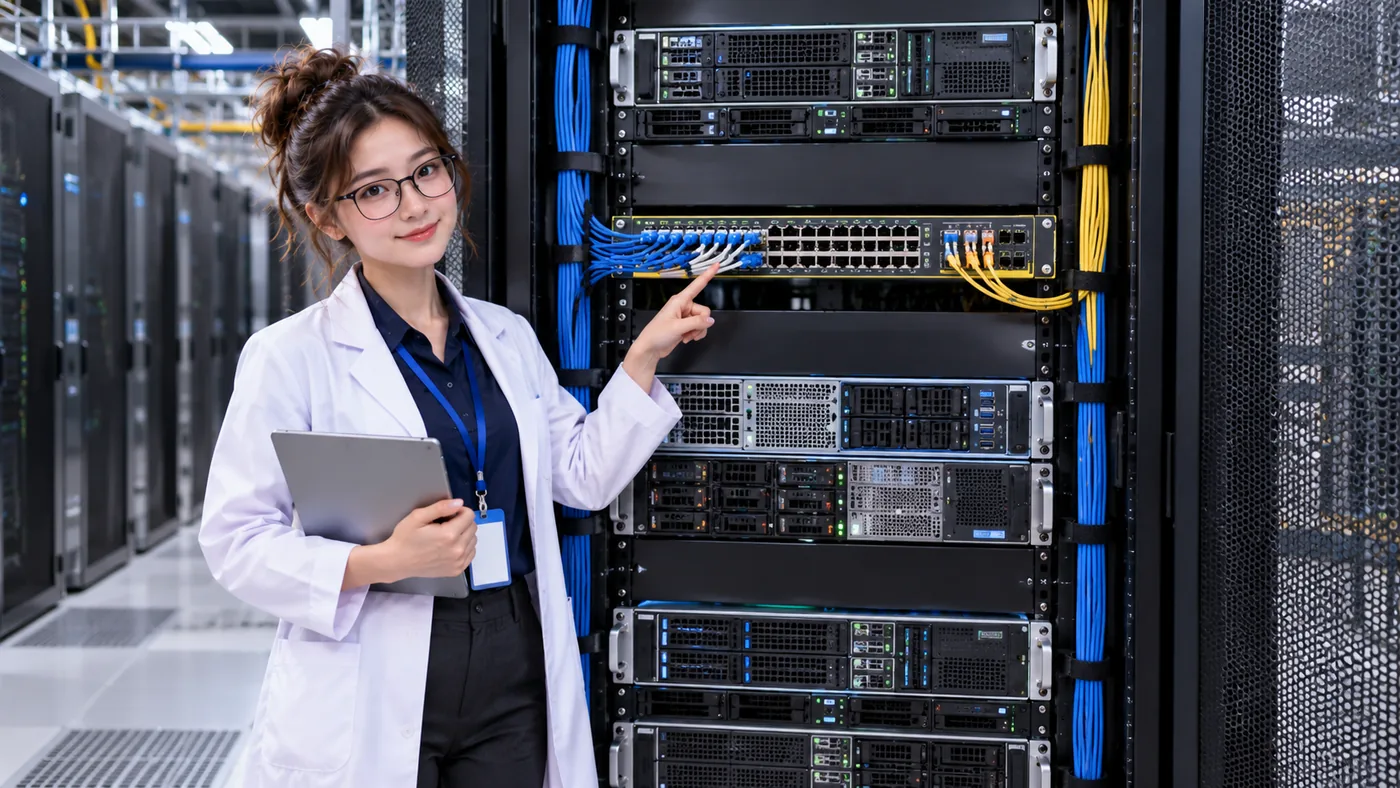
A data center network switch is a purpose-built device with many physical network interfaces, often arranged in rows across the front. Servers and other network devices connect to those ports with cables. Inside, the switch uses forwarding information and its configuration to move network traffic between the appropriate interfaces.
Rack switches are commonly mounted among the equipment they connect, including near the top of a server rack. Their many ports let one switch serve several devices and link onward to other network equipment.
TWO DIFFERENT JOBS
A network switch is not a server
COMPUTE
Server
- Runs applications and workloads
- Contains CPU, memory, storage, and network interfaces
- Performs computing work
- Sends and receives network traffic
CONNECT
Network switch
- Provides network connectivity
- Has many network interfaces, often called ports
- Forwards network traffic between links
- Connects servers and other network devices
A server can use the network to provide a website, exchange data with an application server, reach a database or storage system, contact management systems, serve users, reach external networks, or join distributed and AI workloads. The switch helps those network connections reach one another.
02 / FOLLOW ONE CONNECTION
How does a server connect to a switch?
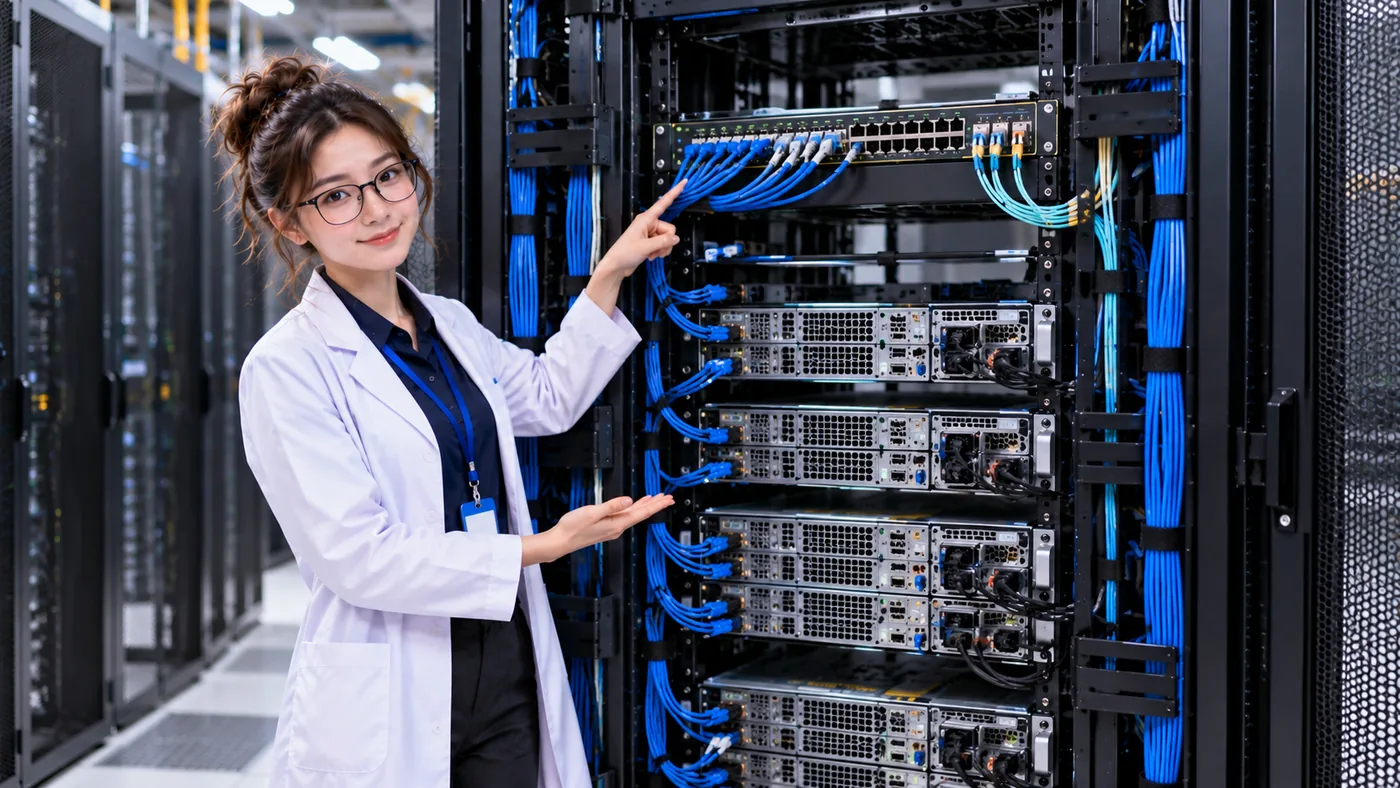
A network interface on the server connects by cable to a port on the switch. That server-side interface is called a NIC: a Network Interface Card or Network Interface Controller. It is the server’s connection to the network. Its exact form and position vary by machine.
In Lesson 02, NICs, Ethernet & Fiber, we look more closely at the server interface and the physical links that reach this switch port. For now, follow the basic path from server to switch.
- SERVERRuns the workload
- NICServer network interface
- CABLECopper or fiber link
- SWITCH PORTNetwork interface on the switch
ONE SWITCH · MANY LINKS
Several servers can connect through one switch
Each server uses a NIC and cable to reach a switch port. The switch can then forward traffic between connected devices when the network design and configuration allow it. These links are shown separately so the connection does not depend on cable color alone.
- SERVER 1NIC + cable
- SERVER 2NIC + cable
- SERVER 3NIC + cable
- SERVER 4NIC + cable
A WORD YOU WILL SEE OFTEN
What is a network port?
A network port is a physical interface where a network link connects. Depending on the equipment and design, links may use copper Ethernet cabling or optical transceivers and fiber. Ports also support different interface types and speeds. The choice depends on distance, bandwidth, equipment, architecture, operations, and cost; fiber is not automatically the right choice for every connection.
- Copper
- Carries electrical signals through copper cable.
- Fiber
- Carries optical signals through fiber-optic cable.
03 / HOW TRAFFIC MOVES
What does a switch do with the data?
When an Ethernet frame arrives at a switch port, the switch can learn the frame’s source MAC address on that interface. This helps it associate network devices with the ports where they are reachable. If the destination is known, it can forward the frame toward the matching port; some traffic, such as traffic for an unknown destination, may be sent to multiple eligible ports according to the configuration.
This is the basic idea: use network information and forwarding rules to direct traffic between interfaces. VLANs, routing, and other details affect what a particular switch forwards, so this simplified picture is not every packet’s full journey.
RELATED, DIFFERENT ROLE
Switch vs router, in brief
Network switch
Commonly connects devices within network structures and forwards traffic between their interfaces.
Router
Forwards traffic between IP networks using routing information.
These roles are a useful starting point, not a hard equipment boundary. Modern data-center switches can also perform Layer 3 routing.
04 / ZOOM OUT FROM THE RACK
One rack is part of a wider data center network
A rack switch connects equipment nearby, then connects toward upstream network infrastructure. That wider network can link systems in other racks and connect the services those systems use. One switch in one cabinet is only one part of the path.

- SERVEROne workload
- NICLocal interface
- RACK SWITCHConnects nearby devices
- UPSTREAM NETWORKLinks network segments
- OTHER RACKSMore servers and systems
- SERVICESDatabases, storage, users, and more
A COMMON TERM
What is a Top-of-Rack switch?
A Top-of-Rack (ToR) switch is placed in or closely associated with a server rack to connect equipment in that rack toward the wider network. It is a common design pattern, but data centers use other physical and logical network arrangements too. The upcoming rack-networking lesson will explore those patterns further.
05 / ASK WHAT DEPENDS ON IT
What happens if the switch fails?
Servers that rely only on that switch may lose required network connectivity. The service impact depends on the topology, the number of NICs and switches, alternate paths, configuration, application architecture, and network redundancy.
A second cable alone does not answer the question. Follow its other end and the equipment it shares. The next chapter lessons will explore networking design and redundancy in more detail; for now ask: Is there another independent network path?
- What failed?
- Which servers depend on it?
- Which services depend on those servers?
- Is there another network path?
- Is that path actually independent?
- Does the service remain reachable?
POWER IS NOT ENOUGH
Service depends on more than electricity
A server can have healthy power and healthy compute while its network connection has failed. The application or service may still be unavailable because users or other systems cannot reach what it provides.
- COMPUTEServer workload
- POWERElectrical supply
- NETWORKRequired connectivity
Move from “What is this box?” to“What depends on it?” and then“What happens if this box or path fails?”
THREE THINGS TO REMEMBER
Carry this mental model forward
- Servers perform computing work; switches connect devices and forward network traffic.
- A server typically reaches a switch through its NIC, a cable, and a switch port.
- A powered server can still become unavailable if required network connectivity is lost.
POWER 101 → NETWORK 101
From power paths to communication paths
Power 101 asked whether a server can remain powered. Network 101 starts by asking whether it can communicate. DataCenterTwin’s current engineering labs model facility power, cooling, and their relationships; they do not simulate network paths. You can still open the existing facility-building lab and continue learning how infrastructure dependencies fit together.