01 / SERVERS USE POWER AND PRODUCE HEAT
Heat is a normal result of computing
Servers draw electricity to run CPUs, memory, storage, networking, fans, and other electronics. As those components do useful work, they also warm up. That heat is expected during normal operation; it does not mean a server is broken.
For practical data-center thermal planning, nearly all electrical energy consumed by IT equipment ultimately appears as heat that the cooling system must remove. Higher IT load can therefore increase cooling demand.
- Electrical power
- Server / IT equipment
- Compute+Heat
- Cooling system
- Heat removal

02 / WHY TEMPERATURE MATTERS
Why can’t we just let a server get hot?
Equipment is designed to operate within specified environmental limits. If temperatures move outside the supported range, a system may increase fan activity, reduce component speed to protect itself, or shut down. Excess heat can add stress to equipment and, depending on the system and conditions, interrupt service.
There is no single temperature threshold for every server or facility. Follow the equipment guidance and the conditions around each inlet.
03 / COOLER AIR IN, WARMER AIR OUT
Air carries heat out of the server
In a basic air-cooled server, fans move air through the chassis. Cooler supply air enters at the server inlet, passes internal components, absorbs heat, and leaves as warmer exhaust air. The Hot Aisle vs Cold Aisle lesson shows how rack orientation helps keep supply and return air apart.
- Cooler supply air
- Server inlet
- CPU / memory / components
- Server exhaust
- Warmer return air
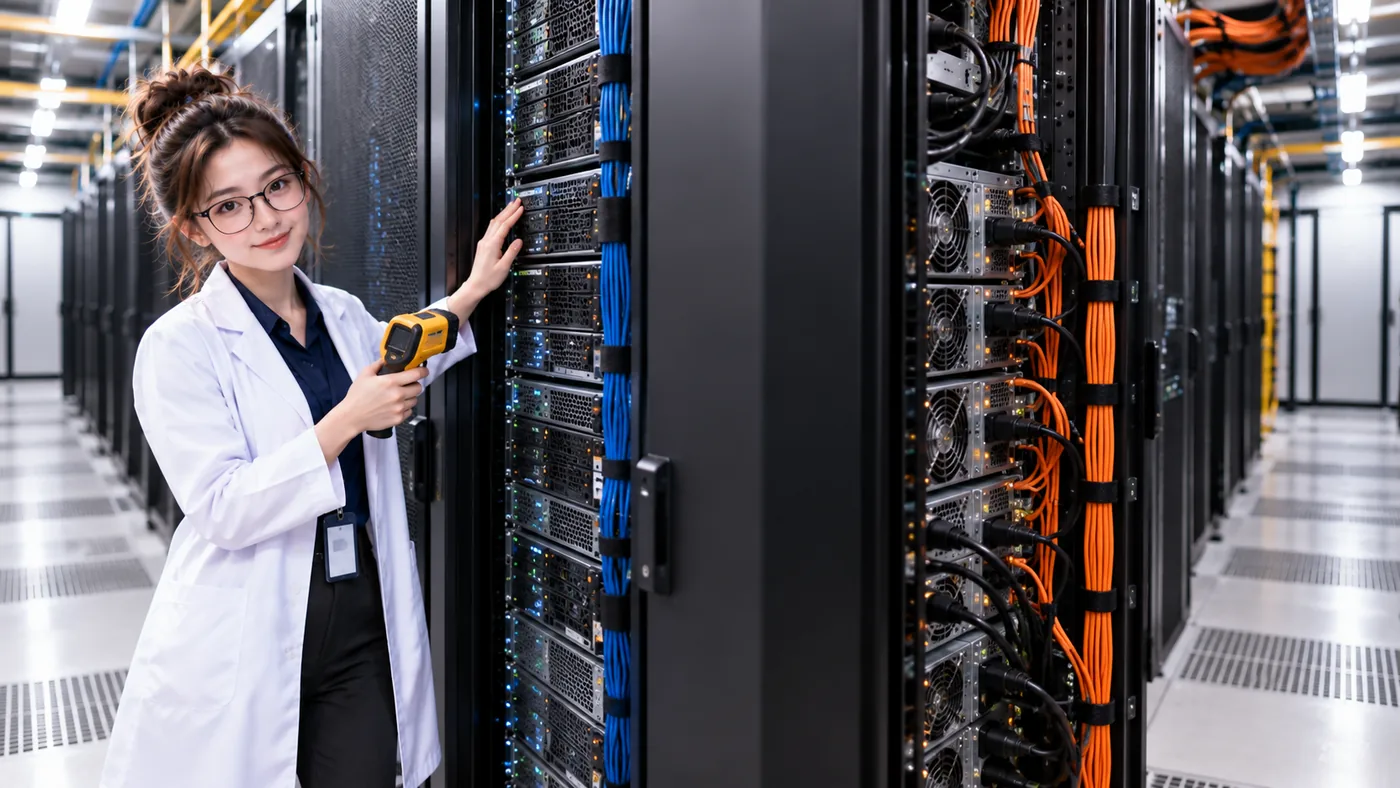
04 / HEAT DOES NOT DISAPPEAR
Cooling moves heat; it does not destroy it
Heat transfers from components into air or liquid, then into cooling infrastructure, and ultimately away from the IT environment. The exact equipment and final heat-rejection method vary by facility; not every data center uses the same cooling architecture.
- Electrical power
- IT equipment
- Heat
- Air / liquid heat transfer
- Cooling infrastructure
- Heat rejection
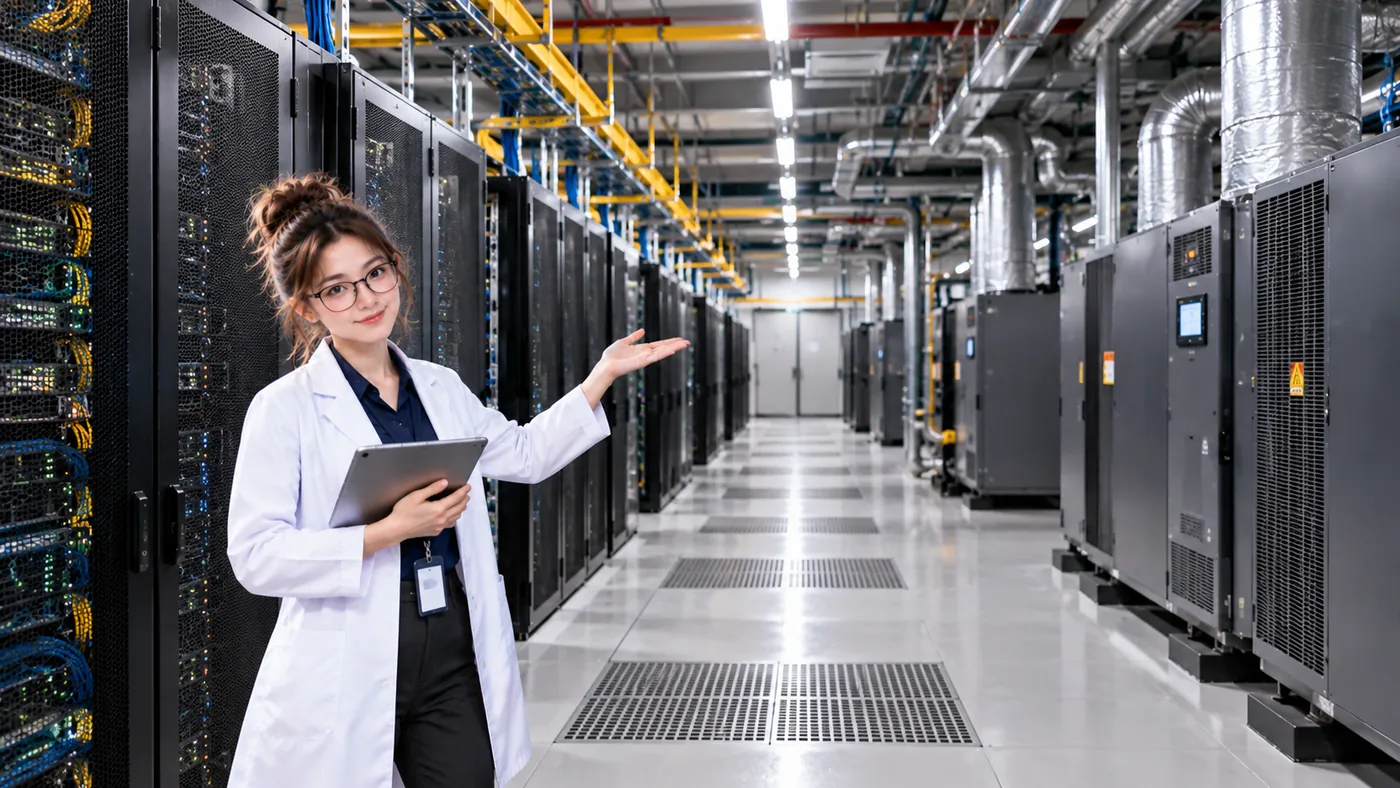
05 / FROM ONE RACK TO THE FACILITY
The whole room needs a heat path
Many racks release heat continuously. Facility cooling infrastructure collects and moves that heat away from the IT environment. The visible equipment differs between sites, but the purpose is the same: carry heat somewhere it can be rejected.
06 / POWER + NETWORK + COMPUTE + COOLING
Cooling is a service dependency
A server can have healthy power, network, and compute paths while cooling is impaired. If heat removal cannot keep up, temperature can rise and the server or service may eventually be affected. The exact outcome depends on the equipment, load, and operating conditions.
- Compute Healthy
- Power Healthy
- Network Healthy
- Cooling Failed
What if cooling capacity is reduced?
- IT load continues
- Heat continues
- Heat removal decreases
- Temperature can rise
- Equipment / service may be affected
THREE THINGS TO REMEMBER
The Cooling 101 mental model
- Servers consume electrical power and produce heat during normal operation.
- Air or liquid carries heat away from IT equipment.
- Cooling is a service dependency: if heat cannot be removed, powered servers may eventually be affected.
FOLLOW THE AIRFLOW
Now follow the airflow in DataCenterTwin
In the Air Cooling & Hot/Cold Aisles lab, work with rack orientation, cooling zones, delivered airflow, and cooling capacity to reduce the worst server inlet temperature.
PASS IT ON