01 / COLD AISLE · SUPPLY SIDE
Rack fronts face the cold aisle
A cold aisle is formed when the FRONT / INTAKE sides of two rack rows face each other. It is the supply-air side of the layout: relatively cooler air is delivered toward server intakes. “Cold” describes its role in the airflow path; the aisle is not intended to be icy or freezer-cold.
- Rack frontServer intake
- Cold aisleSupply air
- Rack frontServer intake

02 / HOT AISLE · EXHAUST SIDE
Rack rears face the hot aisle
A hot aisle is formed when the REAR / EXHAUST sides of two rack rows face each other. It collects relatively warmer air leaving the servers and leads toward the cooling return. “Hot” does not mean there is a fire, a malfunction, or necessarily an overheating condition; a facility can be operating normally while return air is warmer.
- Rack rearServer exhaust
- Hot aisleWarmer return air
- Rack rearServer exhaust
- Hot aisle
- Cooling return

03 / ALTERNATING ROWS GUIDE THE AIR
Why alternate hot and cold aisles?
With rows oriented consistently, rack fronts meet fronts at cold aisles, while rack rears meet rears at hot aisles. This helps direct supply air to server intakes and collect exhaust air separately. If rack fronts and rears face randomly, warmer exhaust can mix with cooler supply before it reaches the equipment.
Aisle arrangement alone does not guarantee perfect cooling. Results also depend on airflow quantity and pressure, cooling capacity, rack density, leakage, blanking panels, containment, and the facility design.
Cold aisle
- Rack side
- Front / intake
- Air role
- Supply air
- Purpose
- Deliver relatively cooler air toward server intakes
Hot aisle
- Rack side
- Rear / exhaust
- Air role
- Return / exhaust side
- Purpose
- Collect warmer air leaving servers
04 / REDUCE UNWANTED AIR MIXING
Keep warm exhaust from returning to the inlet
Recirculation happens when warm exhaust air finds a path back toward server intakes instead of following the intended return route. That can reduce thermal margin, increase fan activity, make cooling less efficient, and raise equipment inlet temperatures. In severe cases, the equipment or service may be affected; the outcome depends on the system and operating conditions.
Intended flow
- Cool supply
- Server inlet
- Server
- Warm exhaust
- Cooling return
Unwanted recirculation
- Warm exhaust
- Mixing / recirculation
- Server inlet
Returned exhaust can make inlet conditions warmer.
05 / FROM ONE AISLE TO THE DATA HALL
Follow the air through the room
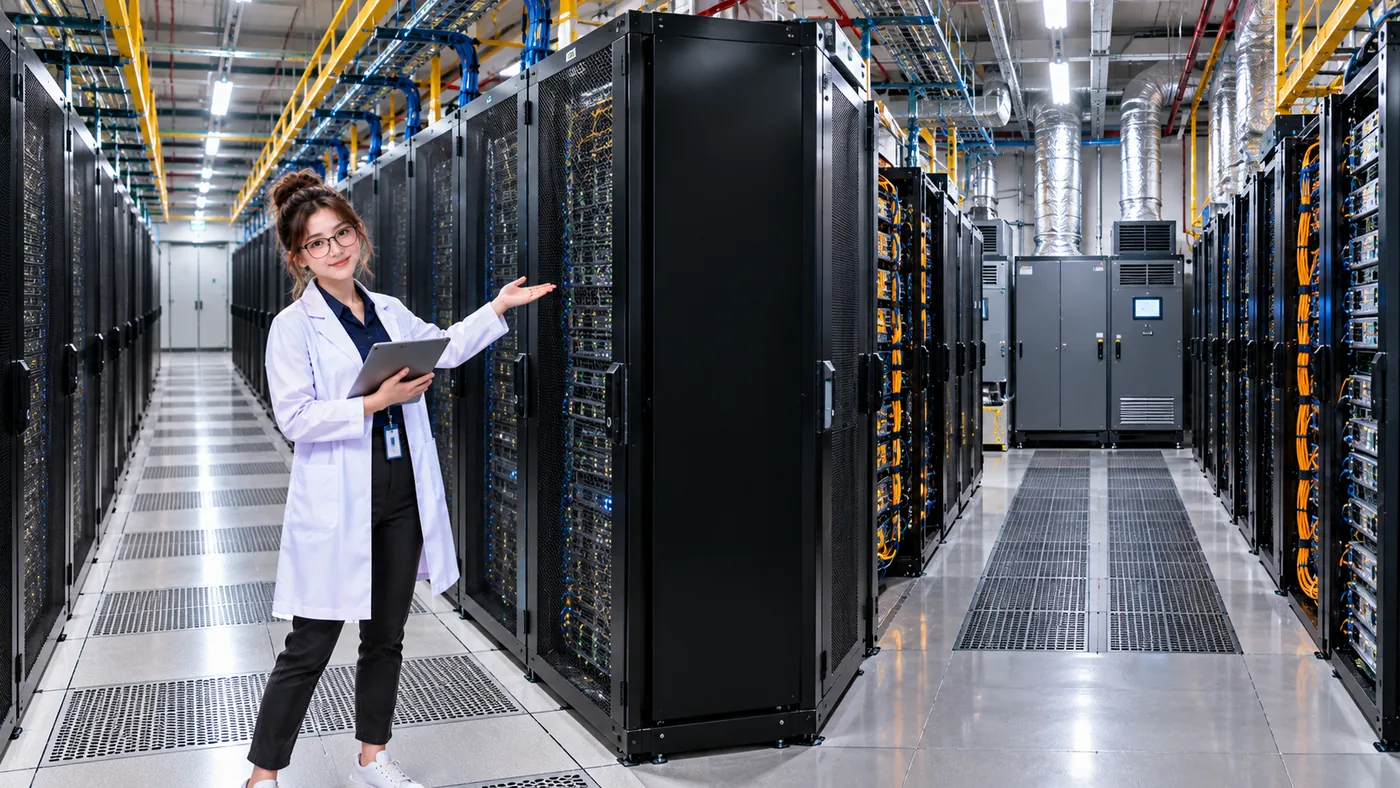
Supply air reaches the cold aisle and server intakes. The servers transfer heat to that air, then exhaust it toward the hot aisle and cooling return. A real facility’s physical route and equipment vary, but this is the basic airflow mental model.
THE COMPLETE AIRFLOW PATH
Supply to return
- Cooling supply
- Cold aisle
- Server intake
- Server
- Server exhaust
- Hot aisle
- Cooling return
06 / CONNECT AIRFLOW TO SERVICE
Airflow is part of the dependency path
A server may have healthy power, network, and compute, yet poor airflow or insufficient cooling can raise its inlet temperature. If operating conditions are affected, the server or service may eventually be impacted. The exact result depends on the equipment, load, and facility.
- Power Healthy
- Network Healthy
- Compute Healthy
- Airflow Poor
THREE THINGS TO REMEMBER
The aisle-orientation mental model
- Rack fronts face the cold aisle because servers take in cooling air from the front.
- Rack rears face the hot aisle because servers exhaust warmer air from the rear.
- The goal is to reduce unwanted mixing and create a controlled heat-removal path—not simply “blue side vs red side.”
PUT AIRFLOW INTO PRACTICE
Now fix the airflow in DataCenterTwin
In Air Cooling & Hot/Cold Aisles, inspect rack facing, compare airflow demand with CRAH delivery, adjust airflow or capacity, and try containment while working to reduce the worst server inlet temperature.
PASS IT ON